Use RecircleOS with AI
Set up your store by chatting with your AI assistant
Copy this prompt into your assistant. It builds your RecircleOS store for you, new or moved from your old system, then sends you a link to make it yours. No signup needed to start.
You're opening a shop, or starting fresh
Set up a new consignment store for me on RecircleOS. Read https://www.recircleos.com/skills/recircleos/SKILL.md and follow it. My shop is called [shop name] and my email is [your email]. Ask me anything you need, then give me the link to open my store.
Paste it into your AI assistant
- ChatGPT & Codex
- Claude
- Grok Bot
- Muse
- Instinct




Step by step
From a prompt to your store in five steps
Paste a prompt into your AI assistant
Copy a prompt from the top of this page and paste it into ChatGPT, Claude, Grok Bot, Muse or Instinct. Moving from another system? Attach your spreadsheet or export too. No RecircleOS account needed to start.
📎 my-shop.xlsxMove my consignment shop into RecircleOS. Read recircleos.com/skills/recircleos/SKILL.md and follow it…
On it. I'm reading your spreadsheet: 42 consignors and 318 items.
Answer a few questions
Your assistant only asks about things that move money, like what share each consignor gets. Everything else can be changed later.
Your sheet has a “Commission” column of 40%. Is that what the store keeps, or what the consignor is paid?
That's what we keep.
Got it: consignors get 60%. All 42 consignors and 318 items are in. Here's the link to open your store: recircleos.com/claim/…
Open the link and create your login
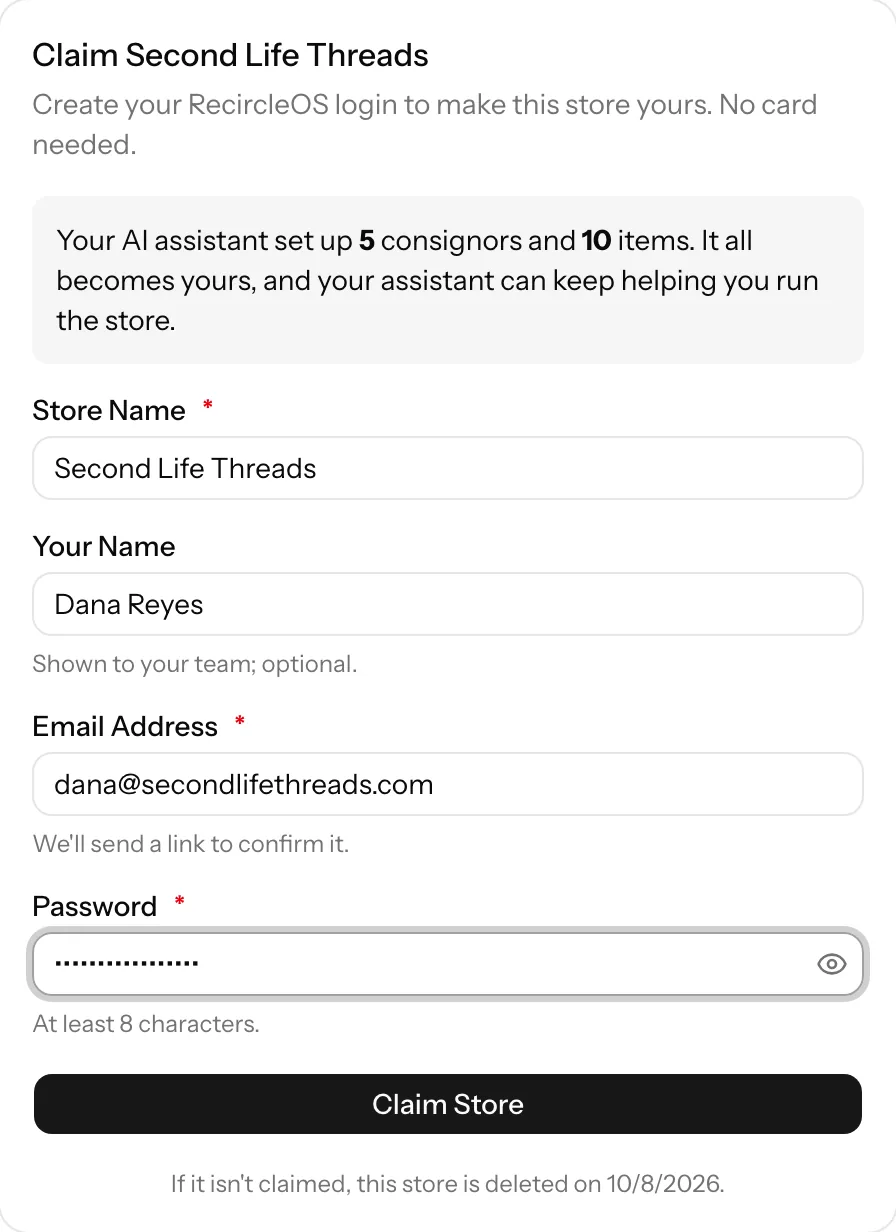
The link shows what your assistant set up. Check your shop name and email, and choose a password.
Confirm your email
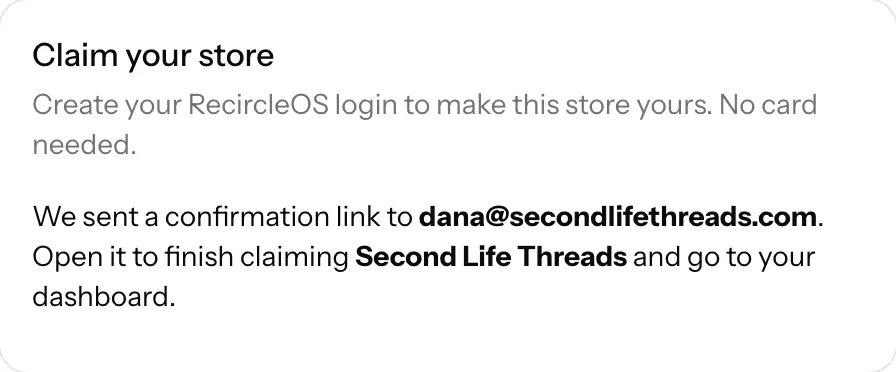
We email you a link to make sure the store goes to the right person. Click it and the store is yours.
Your store is ready
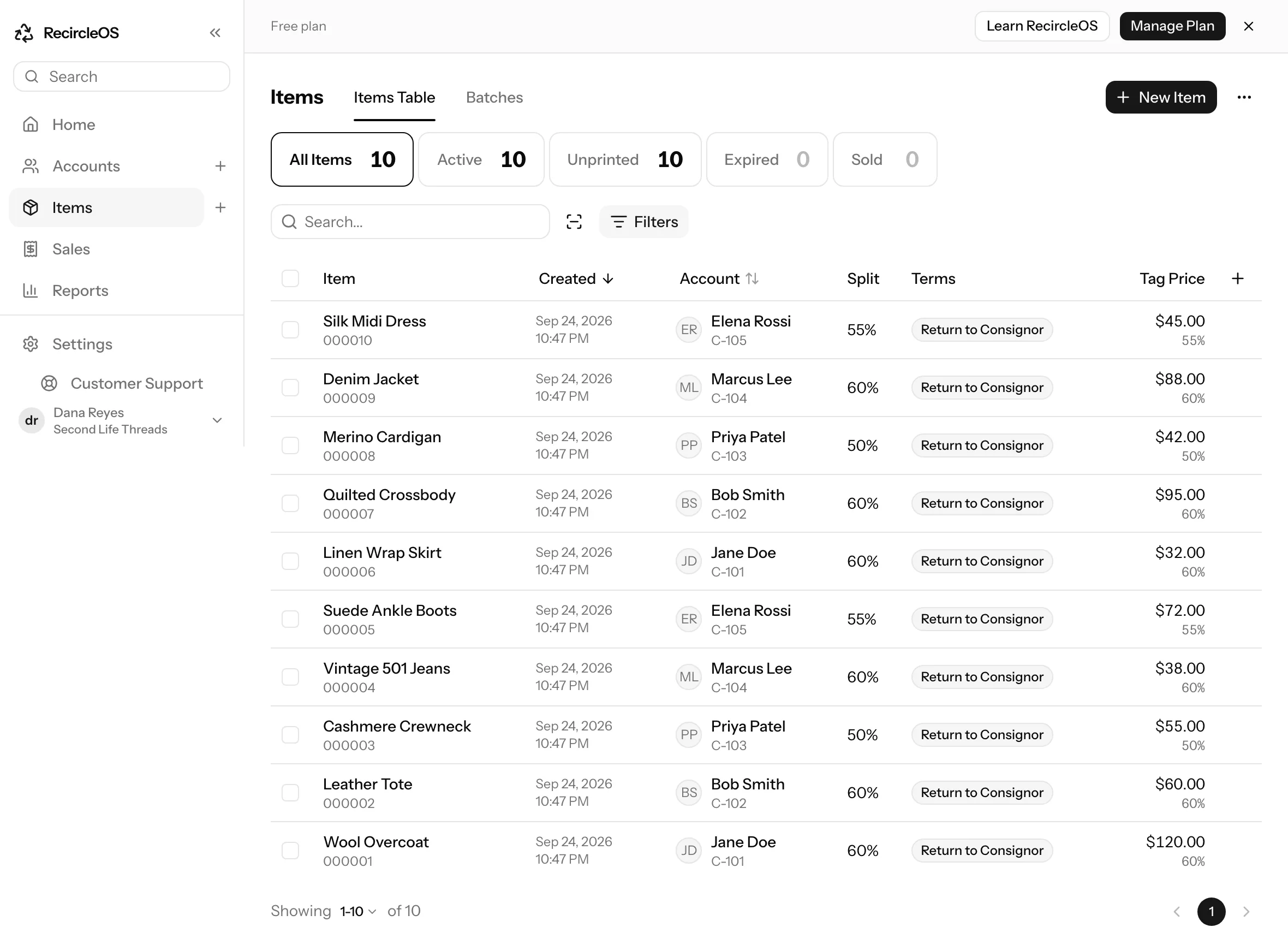
Consignors, items and balances are there when you sign in. Your assistant can keep helping: ask it to add items, run a report or pay out a consignor.
The RecircleOS skill
A skill is a page of instructions your assistant reads before it starts. Ours tells it how to set up a RecircleOS store, what to ask you, and how to bring your data over safely. The prompts at the top of this page already link to it. To keep it permanently in Claude, save it to your skills.
Good to know
Questions owners ask
- Do I need to sign up first?
- No. Your assistant starts the store for you. You create your login at the end, from the link it gives you.
- Which AI assistants work?
- Ones that can take actions on the web or a computer: ChatGPT, Claude, Grok Bot, Muse or Instinct. In ChatGPT, use agent mode or Codex; in Claude, use the desktop app. If your assistant asks for permission to use the internet, allow it. A plain chat window can read the skill but can't build the store.
- What does it cost?
- Nothing to start. Your store is free for up to 150 active items and 50 sales a month; a paid plan for bigger stores is coming soon (join the waitlist). Before you claim it, a store holds up to 100 items and 50 consignors.
- What if I don't finish?
- Stores nobody claims are deleted after 14 days. Keep the link private: whoever opens it first and confirms their email becomes the owner.
- Rather do it yourself?
- Create your store and add records in the dashboard, or get help switching.
Building an integration?
The same API your assistant uses is open to developers, with an OpenAPI spec. An MCP server is coming soon.